How to produce a live stream in HD or 4K video quality
Live streaming is a technology that transmits a data stream in real time over the Internet. It is mainly used to broadcast live events such as concerts, conferences, sporting events, corporate presentations and much more. During a live stream, data is transmitted sequentially and can be watched by viewers in real time, without having to download the content first. It is an effective way to reach a wider audience and engage viewers in real time. A live stream can be produced using various dedicated platforms and software, which let you customise and manage the streaming experience to suit your needs.
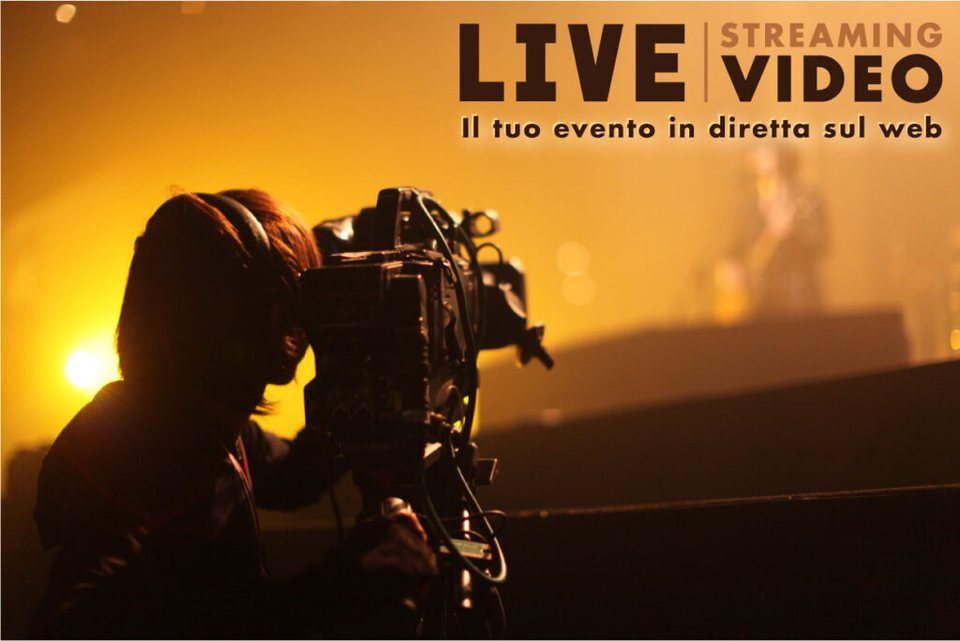
Let's start by clarifying what a live stream is. As the word itself suggests, "streaming" is a flow of data containing audio and video information, transmitted from a source and delivered over a network to one or more recipients. What makes a live stream special is that the data flows in real time: audio and video are transmitted just like a normal television broadcast. In short, the data is not saved along the way but simply transmitted from one point to another.
What equipment do you need to live stream an event on the web?
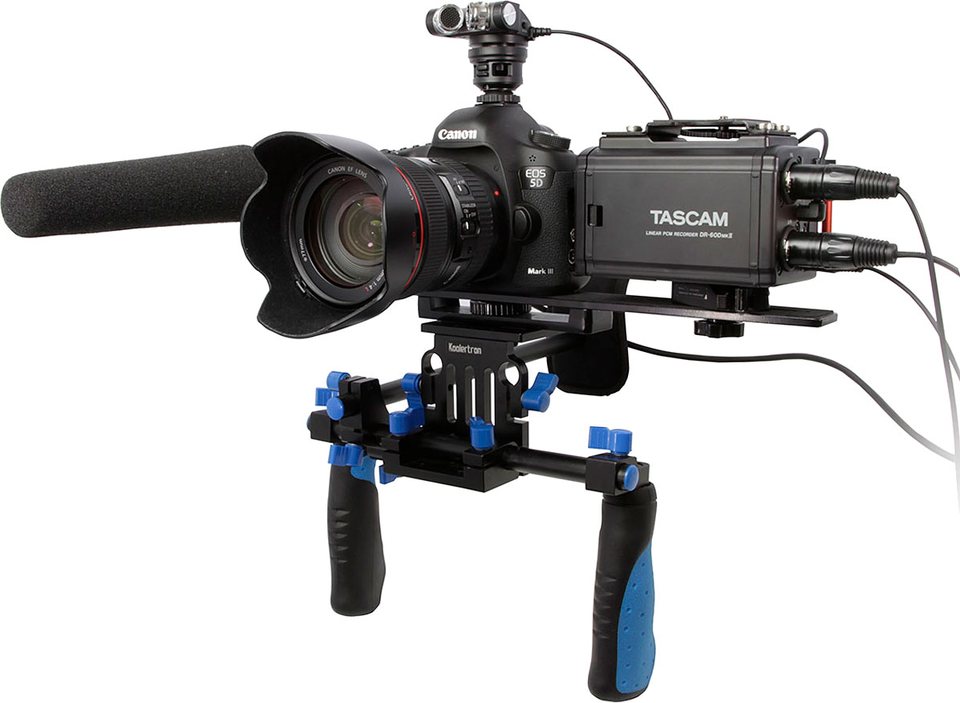
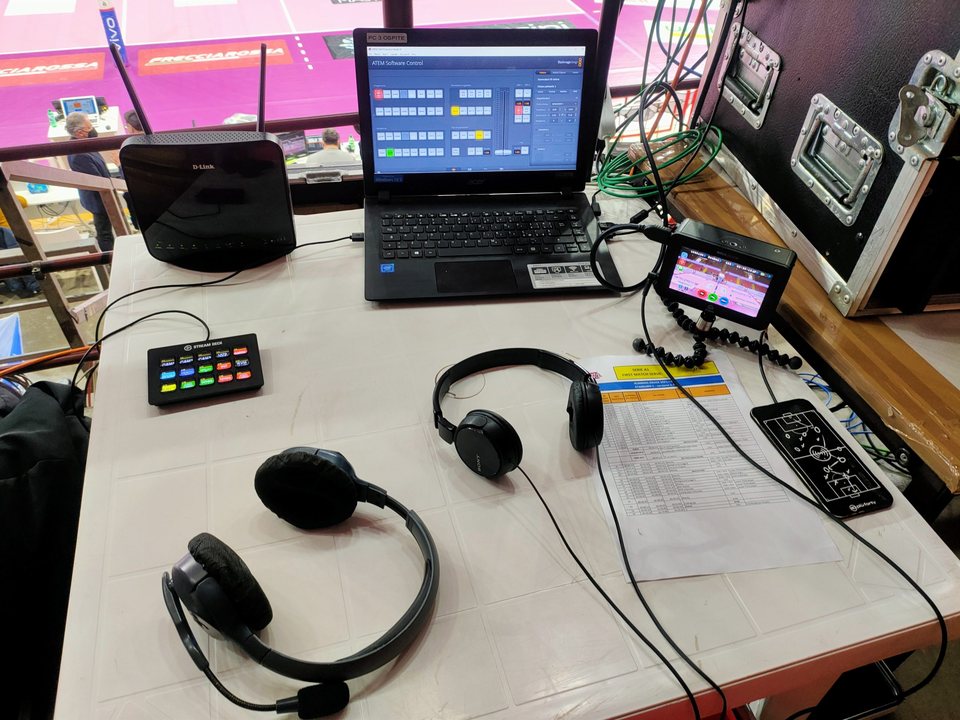
To produce a live stream you need the following tools: a video capture device, an audio capture device, an encoder that takes the incoming audio and video and creates the outgoing digital stream, a device to connect to the Internet, and a media server (streaming platform) able to manage and distribute that stream.
The RTSP protocol
For a live video stream to work properly, a transmission protocol called RTSP (Real Time Streaming Protocol) is used. It was developed back in 1998 by the Multiparty Multimedia Session Control Working Group together with the Internet Engineering Task Force. RTSP enables communication between media servers and clients, which can send the server play, pause or record commands so as to control in real time the playback and delivery of the media files distributed by the server.
Although RTSP is the best known and still the most widely used protocol, several live streaming media servers also use RTP (Real-time Transport Protocol) and other protocols developed specifically for this type of service.
Audio and video capture
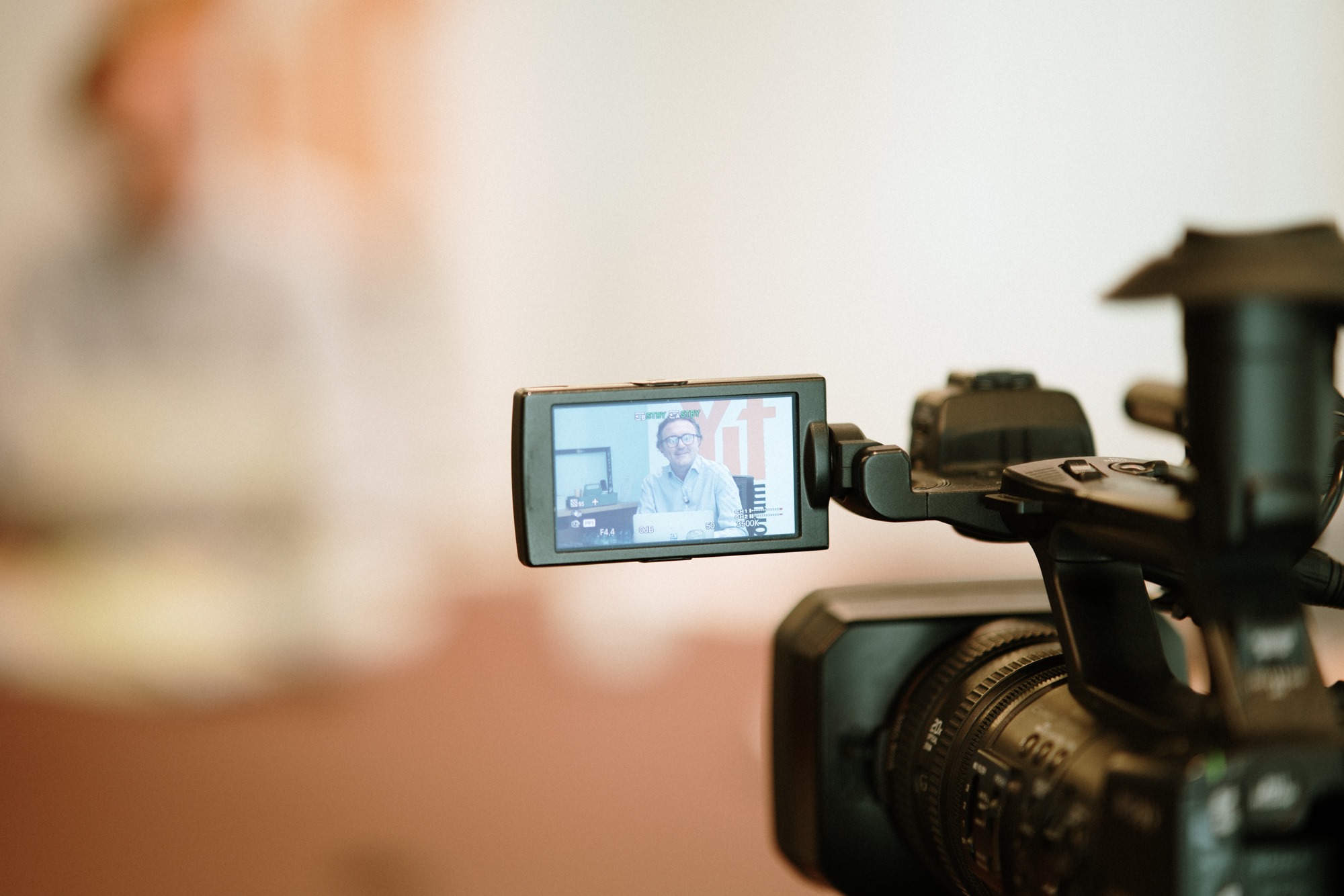
As for audio and video capture devices, ordinary standard cameras and microphones can be used.
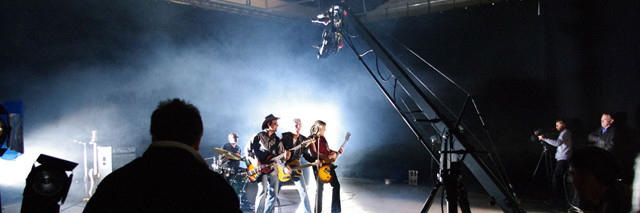
The capture equipment will depend on the type of event to be filmed and the quality you want to achieve. A live stream of a major concert, for example, will need several professional cameras, a number of carefully positioned microphones and a control room to deliver a top-quality product.
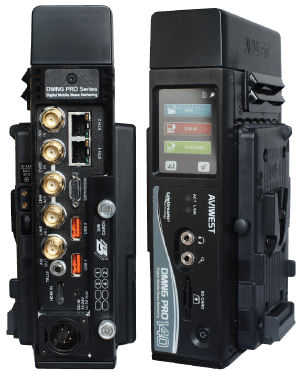
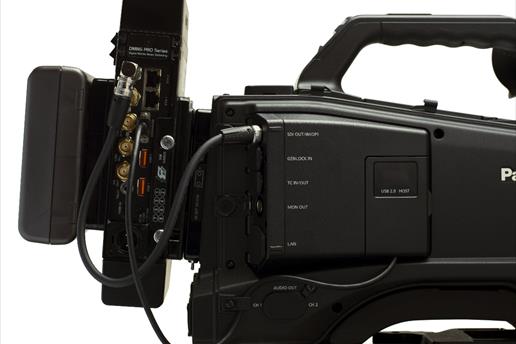
Apart from the tools you will use for the actual filming, it is very important to have a device that sends your data stream onto the network: the encoder. This device must first convert the audio/video signals into a stream with specific requirements and then send it out; dedicated stand-alone encoders exist for this purpose.
Conversion and connection are the two main factors that determine the quality of your live stream; let's look at them in detail.
Professional stand-alone encoders such as Aviwest or LiveU can connect to the Internet via six USB dongles (3G/4G/LTE modem sticks); as well as an HDMI input, these products also have a professional HD-SDI input.
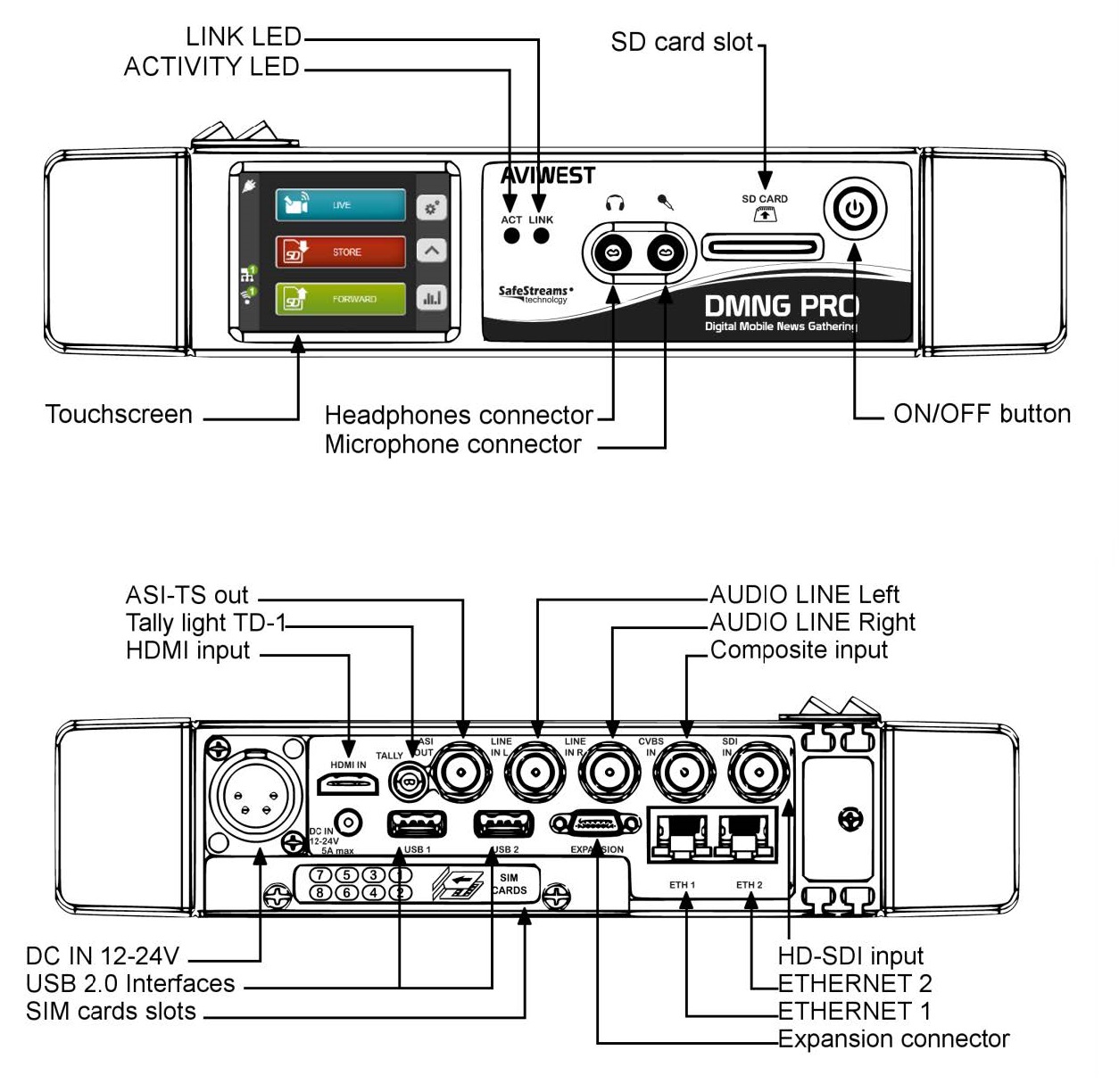
The quality of the conversion depends less on the type of input you use (analogue or digital) than on the quality of the converter. As with any other type of converter, how it is built, the technology used, the quality of the components and, not least, the algorithms used by the encoding software determine the quality of the final result.
For a live stream to succeed, the most important and often underestimated factor is network bandwidth – more precisely, the speed and reliability of the connection.
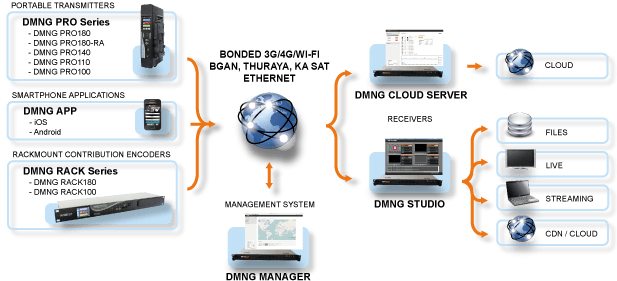
The connection is the weak link in the whole live streaming production chain: with a slow connection the quality of your images will suffer and, worse still, if the connection drops you will have a "hole" in the broadcast that will infuriate your viewers and make the live stream useless and ineffective.
This is why the connection is where you should invest most, and it is also the most expensive element of a live stream.
So before moving on to the media server and the distribution service for your live stream, it is worth focusing on the connection a little longer.
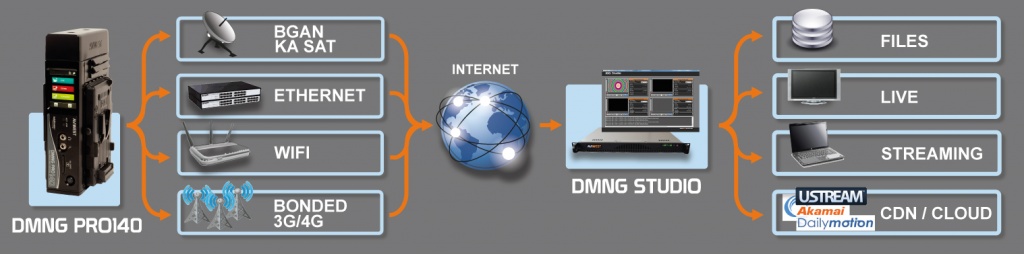
When talking about connections, you have to talk about available bandwidth. The available bandwidth of a connection is the speed at which a data stream can be sent and received over it. Note that I wrote send and receive, because sending and receiving are usually not the same thing – or rather, they do not have the same speed and reliability. A common ADSL line, for example, is asymmetric (ADSL stands for "Asymmetric Digital Subscriber Line"): it is very fast at downloading data but very slow at uploading it. If we are the ones sending the data stream for a live stream, we need to look at the upload characteristics; ordinary ADSL lines over traditional copper telephone wires theoretically reach from 64 Kbps up to 1 Mbps.
There are also symmetric connections, such as HDSL (High data rate Digital Subscriber Line) and SHDSL (Symmetric High-bit rate Digital Subscriber Line), which guarantee a minimum of 2 Mbps in both download and upload.
With fibre, pay attention to the type of contract you have with your provider, as fibre comes in both asymmetric and symmetric versions. Even so, the cheapest fibre still has a much higher upload speed than any other technology.
Finally, mobile connections such as 3G and 4G/LTE should also be considered. They too are asymmetric and, although providers emphasise their download speeds, few state their upload speed, which is generally around 35% to 50% of the download speed.
All these notions about the different connections are purely theoretical, and reality is often quite different. So the first problem to solve for a live stream is to find out what actual speed is available, which will tell you the video quality (resolution) at which the stream can be watched.
Which transmission network should you use?
The simplest and quickest method is to go to the venue where your live-streamed event will take place and test the line you will be given. The tests are the ones you commonly find on the Internet; one in particular is the OOKLA Speed Test (http://www.speedtest.net).
Run these tests several times at the same times of day as the live stream, and remember that the parameter to look at is the upload speed (Fig. 4).
Fig. 4
Test of a 3G connection
Once you know the actual upload bandwidth available, you can decide the quality at which your event can be live streamed; the following table can help you make the right choice.
| Quality | Resolution | Video bitrate | Audio bitrate | Frames per second | Video codec | Audio codec |
| Low | 480x270 | 400kbps | 64kbps | 15 / 30 | h.264 | AAC |
| Medium | 640x360 | 800 - 1200 kbps | 96kbps | 25 / 30 | h.264 | AAC |
| High | 960x540 | 800 - 1500 kbps | 96kbps | 25 / 30 | h.264 | AAC |
| HD | 1280x720 | 1200 - 2000 kbps | 128kbps | 25 / 30 | h.264 | AAC |
As mentioned earlier, another essential element in the live streaming chain is the media server or broadcast server.
The media server is supplied by a service provider and is commonly called a streaming platform.
A streaming platform, then, is a service that uses a media server to let us send our data stream and distribute it in real time to our viewers.
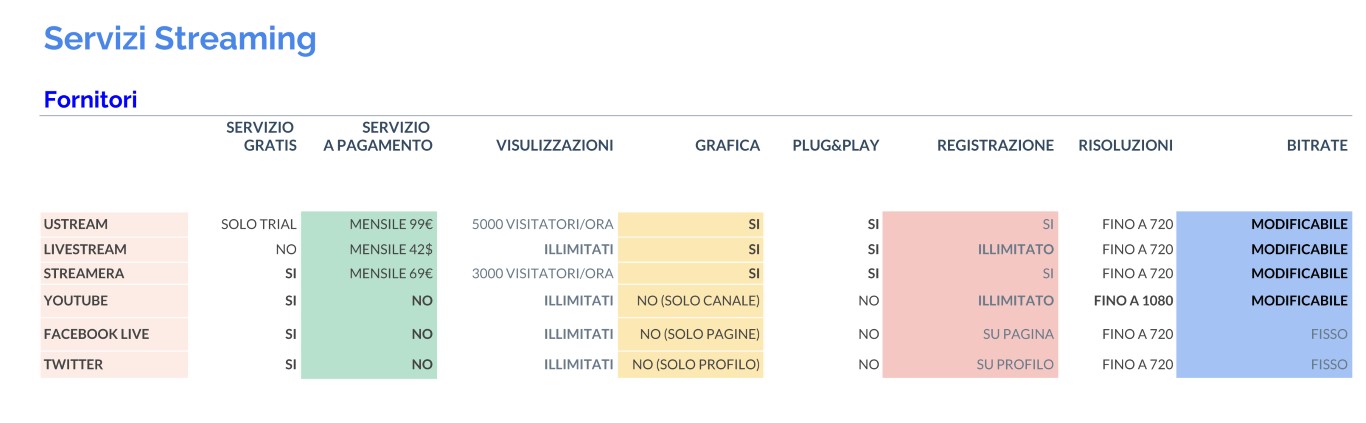
Of course, as with any other service available on the Internet, you can use the free service – with limitations, obviously – or buy a paid service; each provider offers packages to suit every need.
Which streaming platform should you use?
First, you need to register on the provider's website; once you have access to the platform you can start "broadcasting". Each provider runs its platform according to its own rules but, broadly speaking, to start a live stream you need to give your channel a name, possibly choose a channel category, and finally add a short description.
Once this is done, if you are using a personal computer, a page appears showing a preview of your video and letting you choose which audio/video inputs to use, the image quality and the aspect ratio; this page also shows your channel's web address, which you must give to your viewers so they can connect and watch the live stream.
Many providers also allow you to embed the player in a page of your own website, so you can dedicate a page of your site to live broadcasts and then give visitors your website address. Embedding is very simple: the provider gives you some HTML code to paste wherever you like on your page, and the player window for watching the live stream will appear in that spot.
During the live stream you can also record the video, so it is available in the following days to anyone who, for one reason or another, could not connect during the broadcast.
Some providers also let you download a desktop version of their live streaming software – a full program to install on your PC, with all the features and functions of the online version.
If you want to use a stand-alone encoder, remember to check before buying it that the streaming platform you plan to use supports it: not all stand-alone encoders work with all streaming platforms, and each provider has a list of stand-alone encoders certified and tested for its platform. So be careful to choose the provider of your live streaming service first, and then the equipment to use with it.
Live streaming platforms are ever more successful and broadcast quality keeps improving. For beginners who want to approach the world of live streaming, we recommend starting with live broadcasts on a YouTube channel or, better still, from a Facebook profile.
Professional services for your web event
We offer a wide range of professional services for planning and running your event on the web. Whether it is a conference, a webinar, a presentation or a virtual meeting, we are here to help you achieve outstanding results.
Our services include:
- Live streaming platform: we provide a high-quality live streaming platform that lets you broadcast your event online securely and without technical problems. We can handle both the technical set-up and the management of the stream during the event.
- Technical support: our technical support team is on hand to make sure everything runs smoothly during your event. From setting up microphones and webcams to solving any technical problems, we are here to provide full support.
- Data analysis: we provide detailed reports on how your event went, including data on the number of participants, time spent, questions asked and more. This information will help you assess the effectiveness of your event and make strategic decisions for the future.
Whatever the size of your event, we have the expertise and experience to provide professional services that make it a success. Contact us today to find out how we can help you create an unforgettable event on the web.
If you are unable to do it yourself, or would rather rely on a streaming service specialising in live events, we can help you deliver your project with our decade of experience in the field read more...
Check out the video quality of the live streams we have produced!
- Semi-finals – Coppa Italia Boulder 2020 – Crazy Center Prato
- Final – Coppa Italia Boulder 2020 – Crazy Center Prato